











The Soccabet mobile app gives users in Tanzania a direct way to view football markets, live scores, and account tools from a phone. Android users can install the APK, while iPhone and desktop users can use the browser. The mobile website and Lite interface are useful alternatives when you prefer not to install an app or have a slower connection.
Overview of the Soccabet App
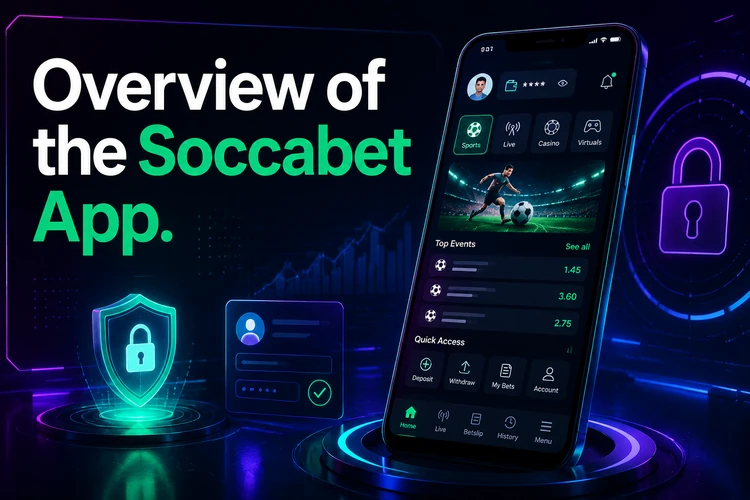
The betting app is designed for quick access to pre-match and live markets. After signing in, users can move between available events, odds, the bet slip, and account information without keeping several browser tabs open. The layout is suited to a phone screen, which makes checking a market or reviewing a selection straightforward.
Use a strong password and avoid leaving an account signed in on a shared phone. Before placing any bet, check the event, odds, stake, and total possible return shown on the bet slip. A stable connection is especially helpful for live markets, where odds can change quickly.
How to Download the Soccabet App
The Android application is provided as an APK rather than through the Google Play Store. Open socca-bet-tz.com in the browser on your Android phone and use the app download section. Save the file only from the site you trust, and check that the download has finished before opening it.
Android may block the first installation from a browser. In Settings, look under Security, Privacy, or Apps for the permission to install unknown apps, then allow it for the browser or file manager you are using. The exact menu name depends on the Android manufacturer and operating system version. Turn the permission off again after installation if you do not plan to install other APK files.
Installing the Android APK
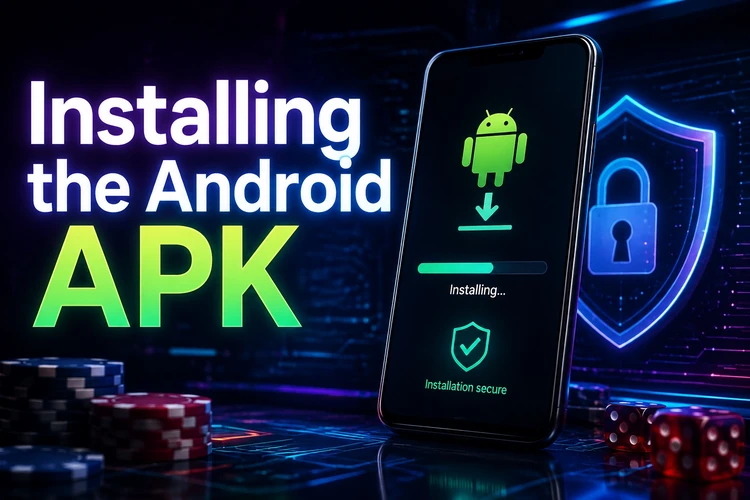
After the file downloads, open the notification or find it in the Downloads folder. Tap the APK, review the installation request, and select Install. When the process ends, open the app and sign in. If the file will not install, check storage space, confirm that the permission is enabled, and download the file again if the first download was interrupted.
- Step 1: Open socca-bet-tz.com on an Android phone.
- Step 2: Save the APK from the app download section.
- Step 3: Allow installation from the browser or file manager.
- Step 4: Open the file and confirm the installation.
- Step 5: Launch the app and sign in.
Keeping the App Up to Date
APK updates are not delivered through the Play Store. To check for a newer release, return to the download section and compare the version shown there with the version listed in the installed app, if available. Download the newer file and install it over the existing version. There is normally no need to remove the previous installation first.
Only use the official download source. Third-party APK pages may alter an application or add unwanted software, and their files may be outdated. Keep enough free storage for the download and installation, and use Wi-Fi when mobile data is limited.
Access on iPhone and PC
There is no dedicated iPhone or iPad application described here. iOS users can open the service in Safari or Chrome instead. The mobile website needs no installation, so it is a practical choice for checking markets and managing an account from an Apple device.
There is also no separate PC program to download. On a Windows or Mac computer, open the website in a current browser. The larger screen can make it easier to compare markets and follow live information. If you need to continue an existing session, use the login page and sign in normally.
Lite Version and Mobile Site
The Lite interface is a browser-based option for slow or unstable connections. It uses fewer images and less page data, so it may load more reliably where signal strength is poor or mobile data is limited. It is intended for core tasks such as viewing odds, placing selections, and checking the bet slip.

The standard mobile website offers a broader interface without requiring an APK. It is suitable when you are using an iPhone, sharing a phone, or want to avoid changing Android security settings. If a page is slow to load, close unused tabs, switch between mobile data and Wi-Fi when possible, and avoid refreshing repeatedly during a live event.
Comparing Your Access Options
Each method has a different balance of convenience, installation effort, and data use.
| Option | Device | Installation | Best for |
|---|---|---|---|
| Android app | Android phone or tablet | APK required | Regular phone use |
| Mobile website | Any smartphone | None | Quick access without installing |
| Lite version | Any phone browser | None | Weak signal or limited data |
| Desktop browser | PC or laptop | None | Larger screen and multiple markets |
| iPhone browser | iPhone or iPad | None | iOS access without an app |
You can review the available welcome offers from a supported device, but read the terms before accepting any offer. Keep your stake within a personal limit, and remember that betting is for adults aged 18+.
FAQ
Open socca-bet-tz.com in an Android browser, find the app download section, and save the APK. Enable installation from unknown apps for that browser, open the downloaded file, and confirm the installation.
The draft information identifies Android 5.0 and later as supported. If the phone uses an older release or the APK does not install, the mobile website is the safer compatibility option.
Download it only from socca-bet-tz.com. Android shows an unknown-app warning for software installed outside the Play Store, but files from unofficial mirrors may be modified or outdated.
No dedicated iOS app is described here. iPhone and iPad users can open the service in Safari or Chrome and use the mobile website without downloading an application.
Yes. Open the website in a current browser on Windows or Mac. No separate PC software is required, and the larger display can help when reviewing several markets.
The Lite version is a lower-data browser interface for weak or unstable connections. To update the Android app, revisit the download section, compare the listed version with the installed one, download the newer APK, and install it over the existing version.